



Barcode Reader
SDK
Fast barcode scanning for Windows and cross-platform applications. Powerful API and simple integration.
Learn More →
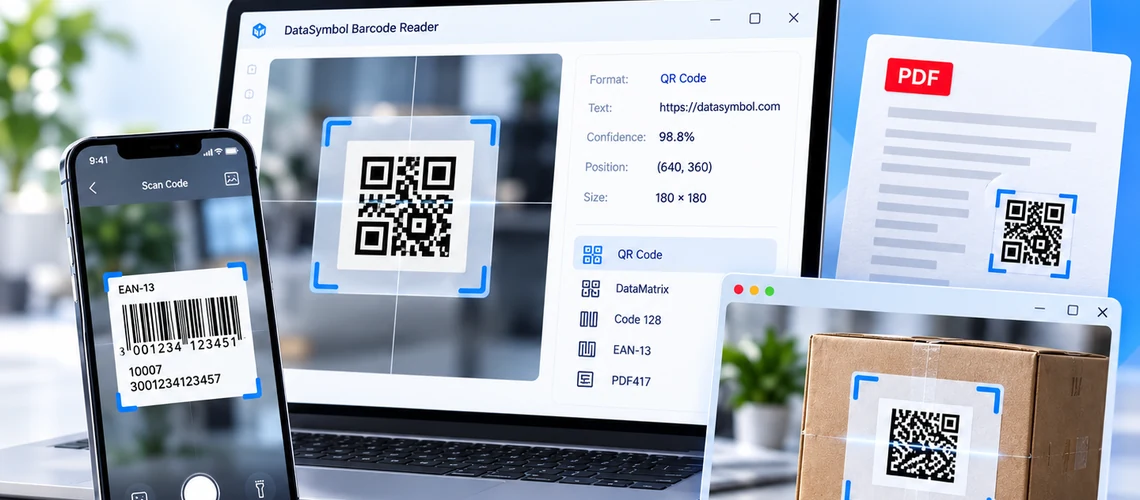
Fast, accurate and easy-to-integrate barcode SDKs for Windows, Web, Android, iOS and Raspberry Pi. Scan and decode 1D and 2D barcodes from images, documents and live camera streams.
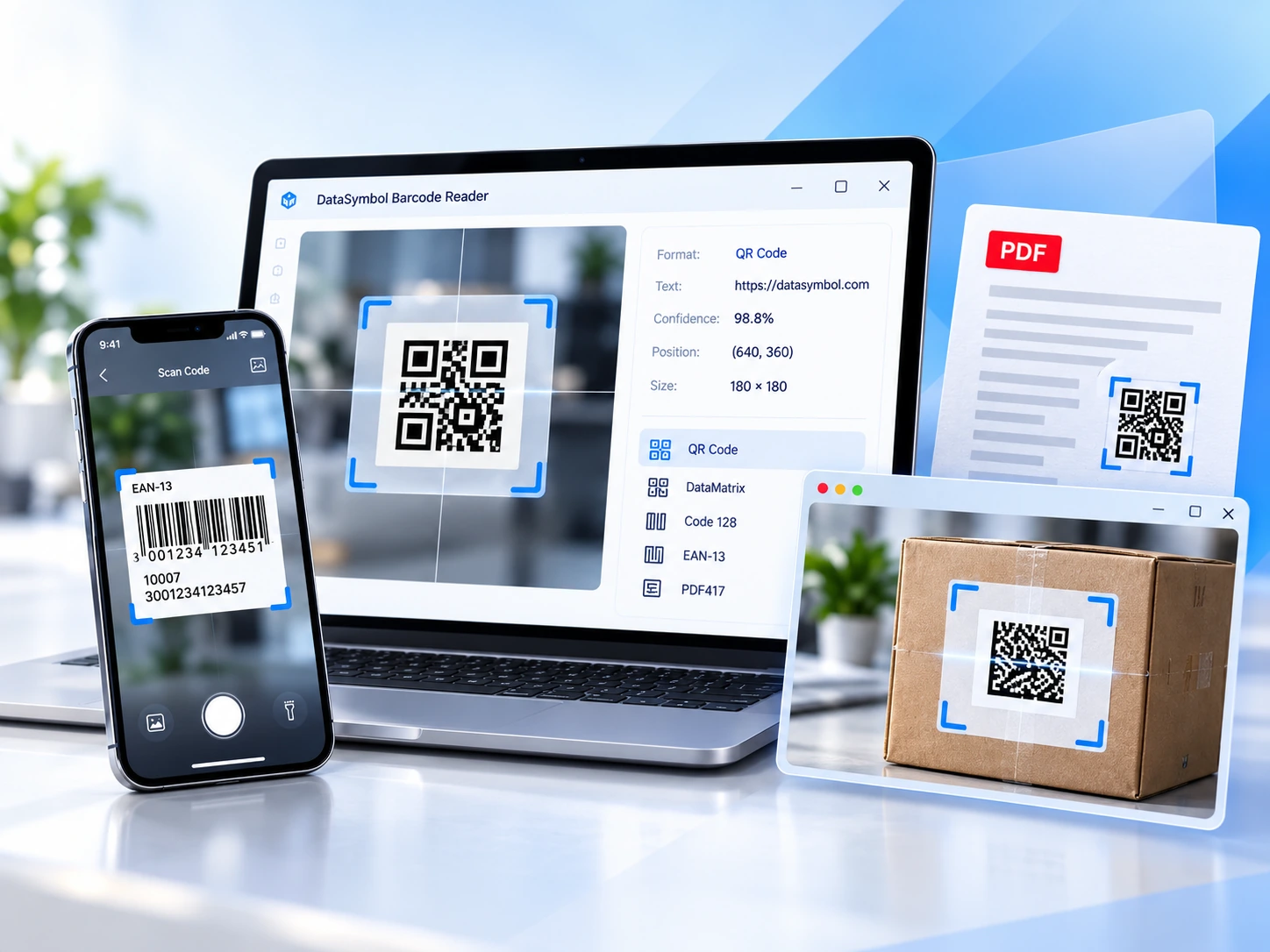
Fast barcode scanning for Windows and cross-platform applications. Powerful API and simple integration.
Learn More →
Scan Barcodes directly from Your Web Site. Newest technology to embed barcode decoding in any Web application regardless of platform.
Learn More →
Turn your camera into a barcode scanner with keyboard-wedge input for any application.
Learn More →
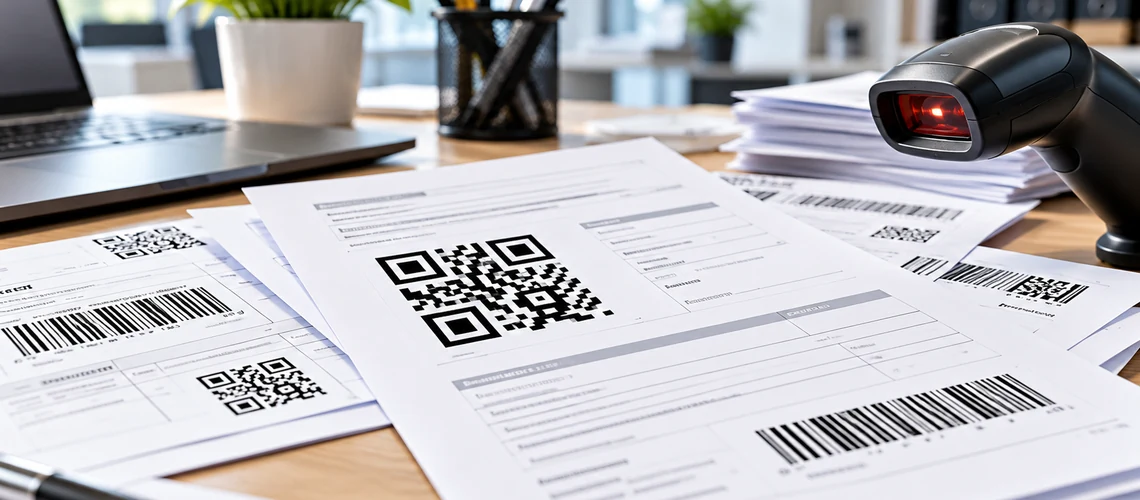
Detect and process barcodes in scanned documents, PDF files and images.
Learn More →Integrate barcode recognition with well-documented APIs and ready-to-use code samples in your favorite programming language.


BarcodeDecoder barcodeDecoder = new BarcodeDecoder();
barcodeDecoder.BarcodeTypes = (int)EBarcodeTypes.DataMatrix;
barcodeDecoder.DecodeFile(textBox1.Text);

BarcodeList BarcodeList = barcodeDecoder.Barcodes;
for (int i = 0; i < BarcodeList.length; i++)
{
    barcode barcode = BarcodeList.item(i);
    string sResult = string.Format("{0}\n", barcode.BarcodeType.ToString());
    MessageBox.Show(sResult);
}
CDecoderWrap dec;
dec.InitLib(0);
//set decoder parameters
DW_DECODEPARAMS decParams;
decParams.barcodeTypes |= DW_ST_QRCODE|DW_ST_PDF417|DW_ST_AZTECCODE|DW_ST_DATAMATRIX;
dec.SetDecoderParams( decParams );
//Decode file
int res = dec.Decode( &vBuf[0], vBuf.size(), 0 );
if( res == DW_OK )
{
int num=0;
res = dec.getResNum( &num );
for( int i=0; i < num; ++i )
{
//...output result
}
}BarcodeReaderWrapper dec = new BarcodeReaderWrapper();
dec.InitLib("");
//set decoder parameters
DecoderParameters dp = new DecoderParameters();
dp.barcodeTypes |= DecoderParameters.ST_CODE128|DecoderParameters.ST_DATAMATRIX;
dec.SetParams(dp);
//read PGM file
byte[] data = Files.readAllBytes(path);
//Scan Barcodes
DecodingResult res[] = dec.DecodePgm(data, 0, 0, 0, 0);
for(int j=0; res!=null && j < res.length; ++j)
{
String sBarcode = new String( res[j].data, 0, res[j].data.length );
System.out.println(sBarcode);
}window.onload = function () {
var scannerSettings = {
viewport: {
id: 'datasymbol-barcode-viewport',
width: 500,
},
camera: {
resx: 640,
},
barcode: {
barcodeTypes: ['EAN13', 'UPCA', 'Code128', 'DataMatrix', 'QRCode'],
},
};
DSScanner.addEventListener('onError', onError);
DSScanner.addEventListener('onBarcode', onBarcodeReady);
DSScanner.addEventListener('onScannerReady', function () {
DSScanner.StartScanner();
});
DSScanner.Create(scannerSettings);
}<script async>
onDataSymbolBarcode = function( decodingResult ) {
for (var i = 0; i < decodingResult.length; ++i)
alert( DSbin2String(decodingResult[i]) );
};
</script>
<script async id="DataSymbolScript" src="https://websdk.datasymbol.com/srvhost/v2/scanner.js"></script>
//Learn More: www.BarcodeVision.comWatch video tutorials or explore ready-to-use barcode scanners.
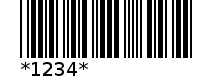
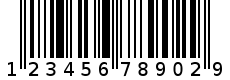
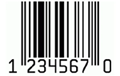
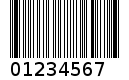
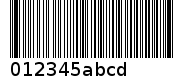
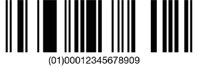
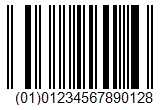
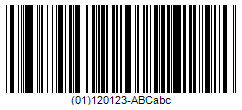
Read widely used 1D and 2D formats, including damaged and low-quality labels






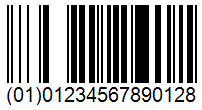

Asset tracking and logistics
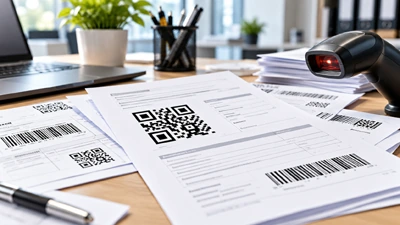
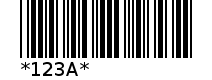
Read barcodes from PDFs and scans
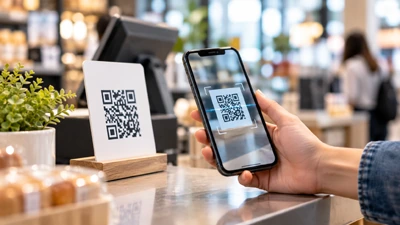
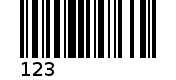
Integrate scanning into sales apps
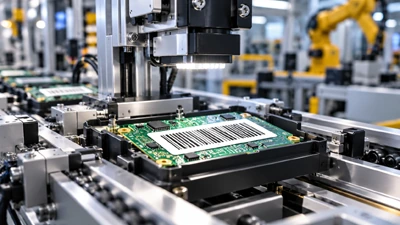
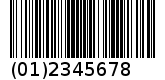
Traceability and identification
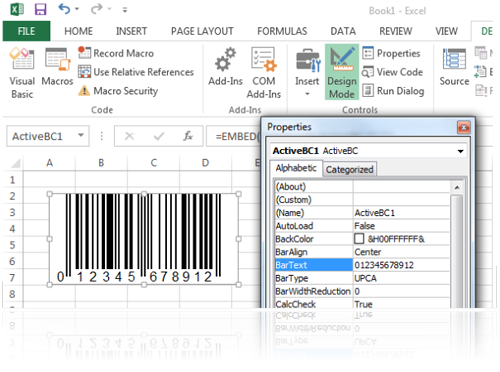
While DataSymbol helps you scan and decode barcodes, BarcodeTools.com provides tools to create and embed them in your applications and documents.
Generate Code 128, EAN, UPC, QR Code, DataMatrix, PDF417 and other popular formats using components for Microsoft Office, ActiveX and .NET.
Explore www.BarcodeTools.com